Weight & dose context
Select a compound and review the records you have entered.

Plan your stack. Log each day. See your progress with the context behind it.
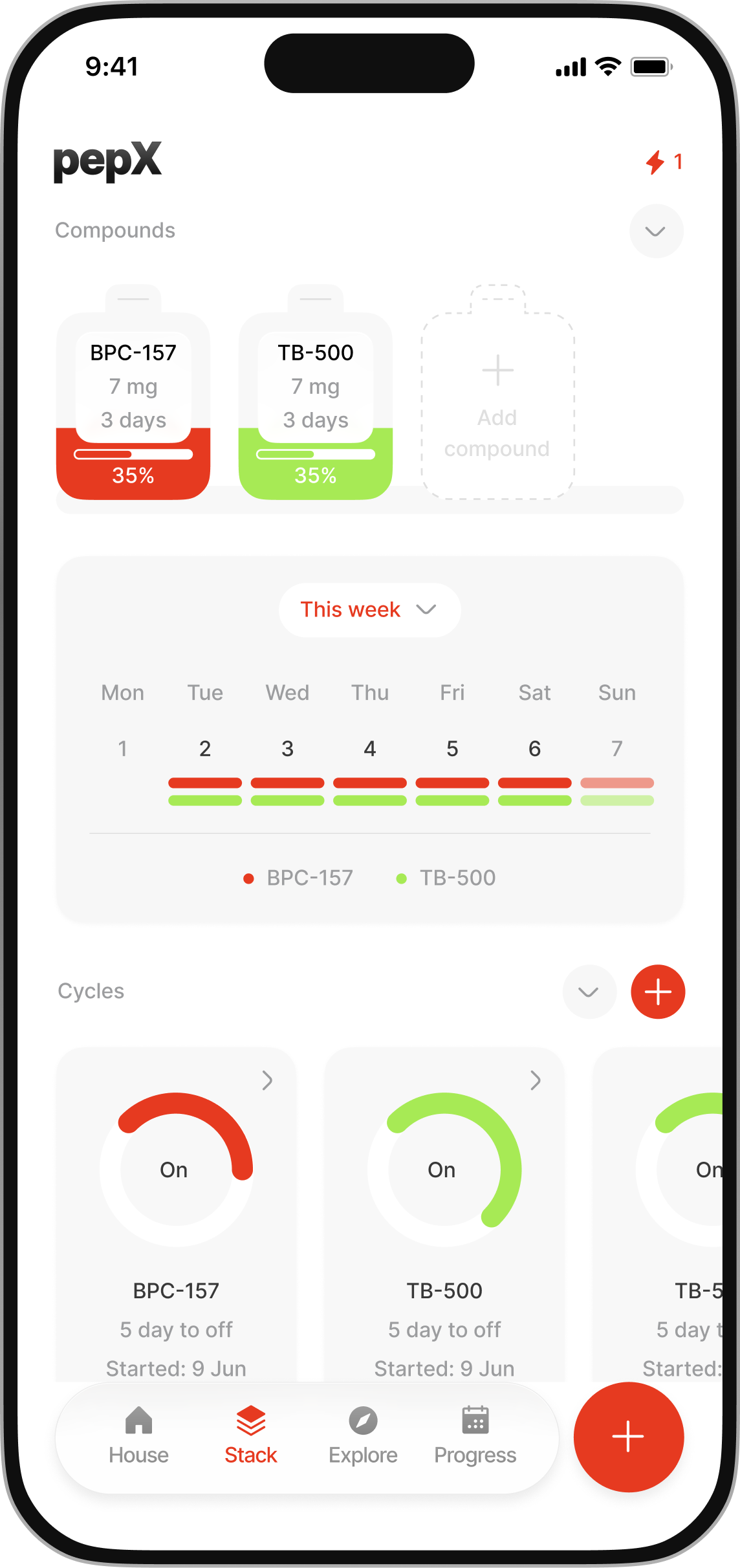
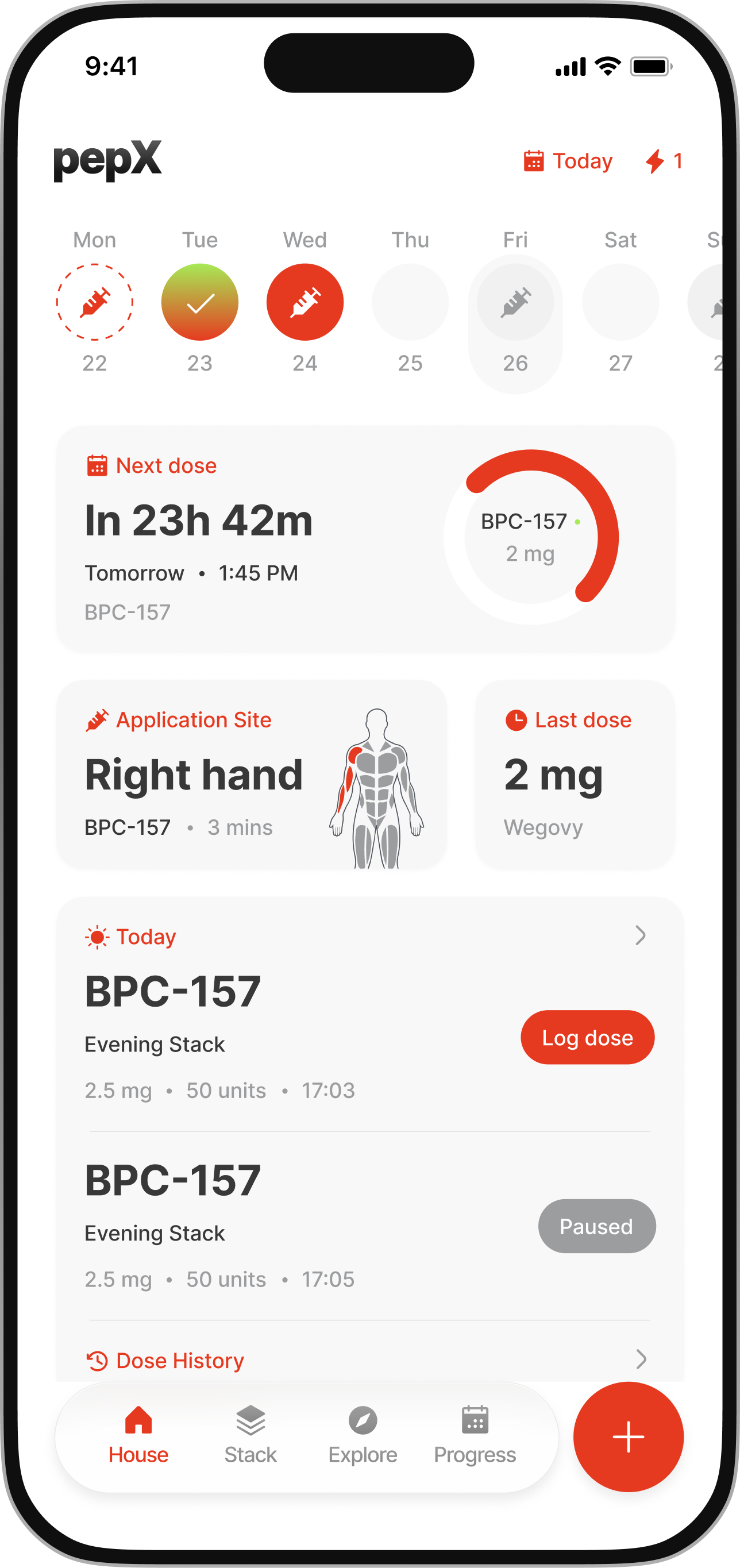

01 / STACK
Bring inventory, schedules and on/off cycles together, with the details of your routine easy to find.
See recorded amounts, remaining supply and compound details.
Set up fixed or changing amounts, select days and times, and manage active or paused schedules.
Keep on/off periods, start dates and cycle status together.
Different formats. The same organized view.
02 / TRACK
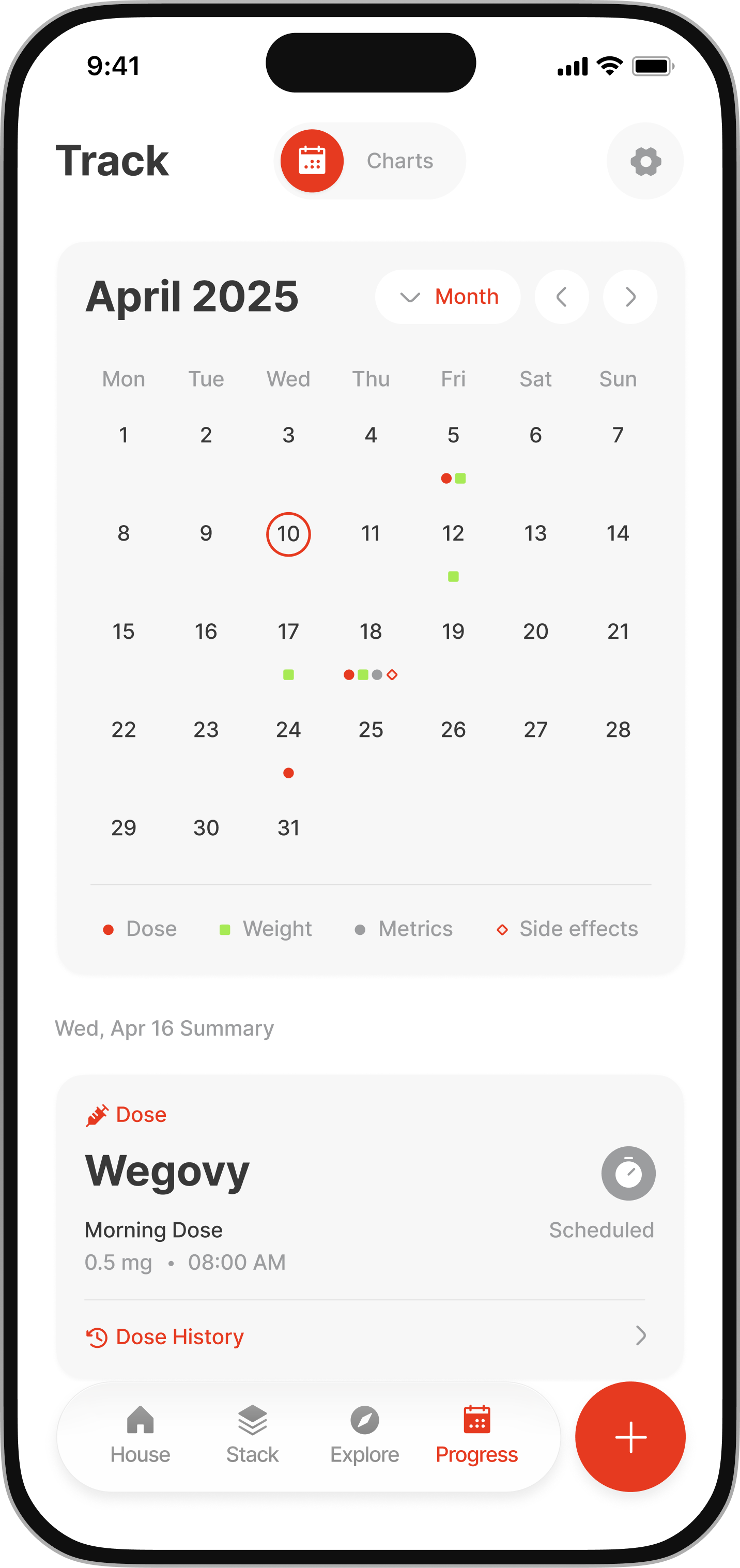
Move between a calendar overview and the details of a single day. Your entries stay connected to the date they belong to.
Review logged, scheduled and missed entries alongside your weight records.
Keep the scores you choose to record in your daily summary.
Add the details you want to remember when you look back.
03 / CHARTS
Explore weight, dose context, wellness and side-effect history over the time range you choose.
Select a compound and review the records you have entered.
Choose the metrics you want to see together.
Review your own entries with their limitations in view.

Example app entries. Side effects are logged independently and are not automatically attributed to a specific compound.
04 / YOUR JOURNEY
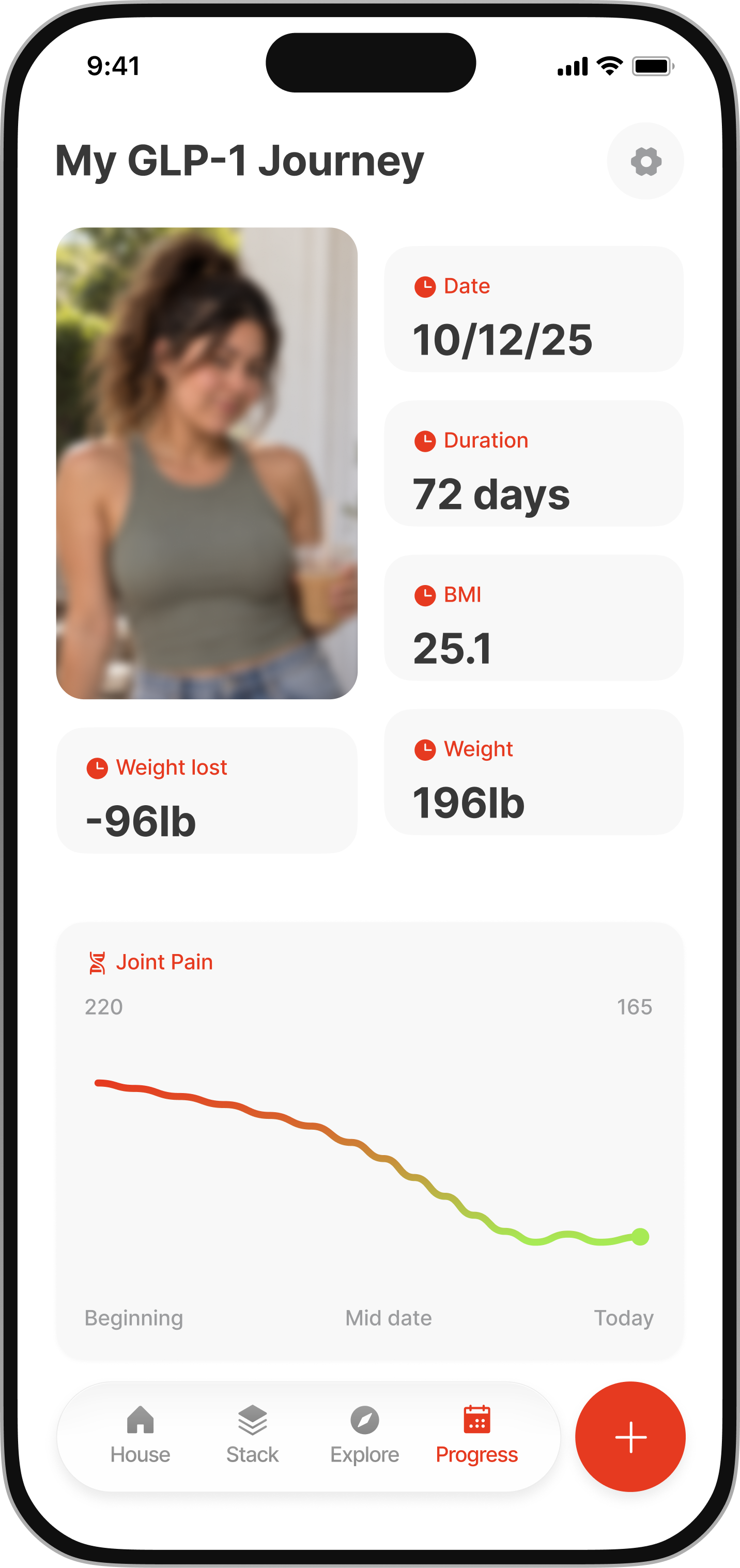
Build a journey view around the details that matter to you, from the metrics on your charts to the photos in your timeline.
Customize metric boxes and select the series on your charts.
Add progress photos and notes to your own history.
Adjust themes, units, goals and the wellness metrics you track.
05 / THE DETAILS THAT HELP
Keep practical tools and educational references close to the rest of your records.
Convert the amounts and units you enter, with the calculation in view.

coming soon to our website
See the locations you have logged and when you last used them.
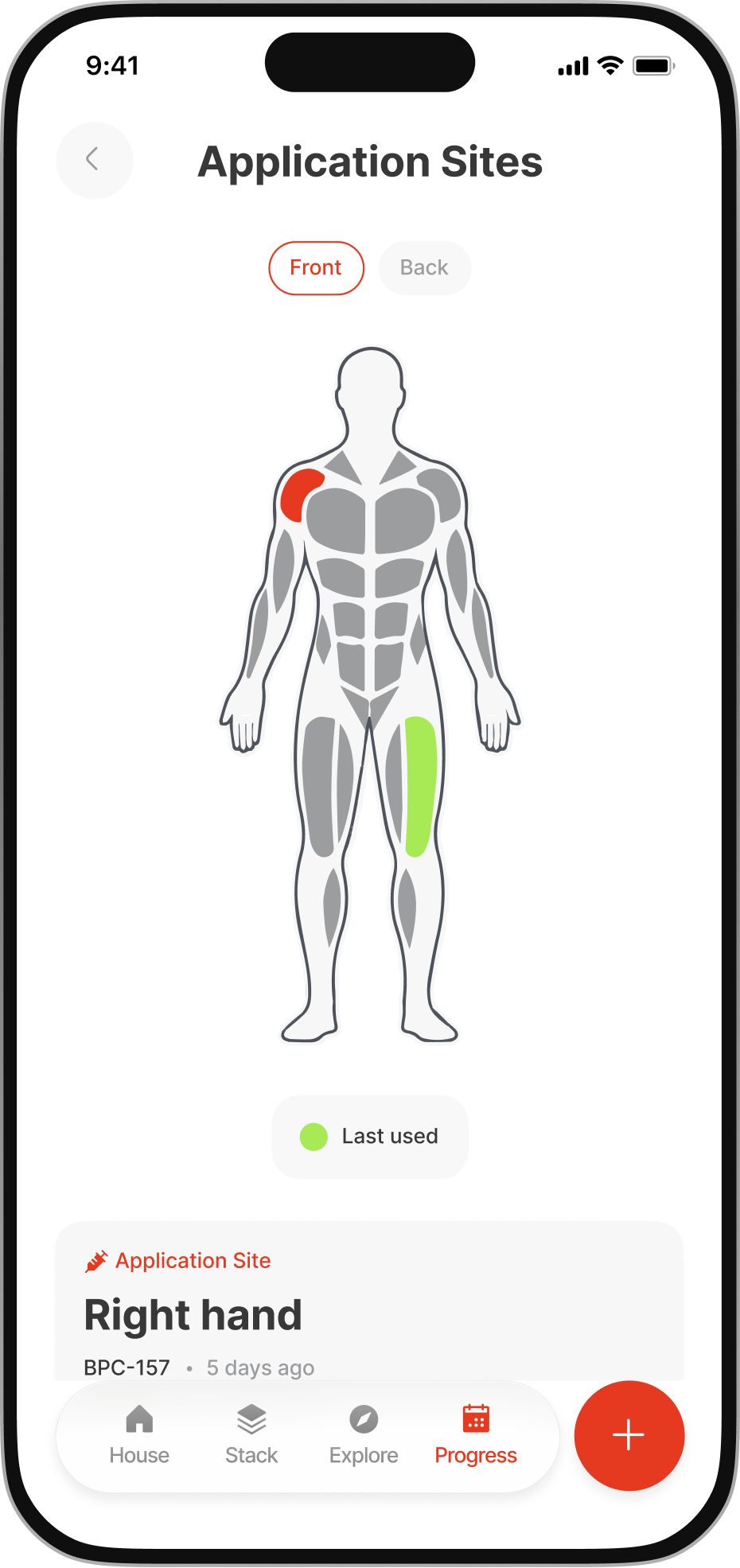
Part of the PepX app
Search compounds, brands and goals, with access status and source context.

The essentials about using the whole app.
Organize your compounds, schedules and cycles, and log doses, weight, progress metrics, side effects and notes. Review your entries in Track, and add progress photos to your Journey.
Yes. Set recurring schedules with days and times, start and end dates, and on/off cycles for your compounds. You can also pause a schedule.
No. PepX supports syringe and pen injections, as well as oral, nasal spray, sublingual and topical administration.
Track includes a calendar with daily doses, weight, side effects, progress metrics and notes. Its charts show weight, doses, progress metrics and side effects over a selected period.
Yes. Choose from the available progress metrics or add your own, then select which metrics and side effects appear in your charts. Each chart can show up to five at a time.
The reconstitution calculator uses the compound amount, water volume, desired dose and syringe type you enter to calculate concentration, dose volume and syringe units. It does not verify your inputs or recommend a dose.
PepX is a tool for organization and education. It does not prescribe treatment or replace advice from a qualified healthcare professional.
YOUR STACK. YOUR DAY. YOUR PROGRESS.
Bring your plans, daily details and progress into one clear view.
For organization and education.